Question: How can I fill in the pdf checkbox for "Check if the organization used Schedule O to respond to any question in this Part"?
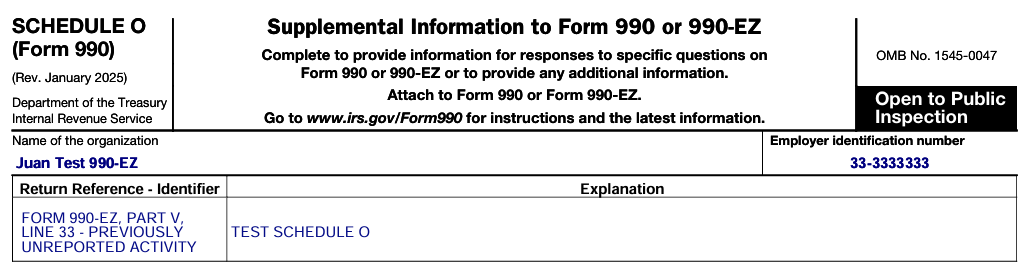
Answer: The two Options below will generate a whitepaper statement and automatically fill in the pdf checkbox.

Option 1:
Enter text in any applicable Text field.


Option 2:
Manually add an entry in Schedule O.
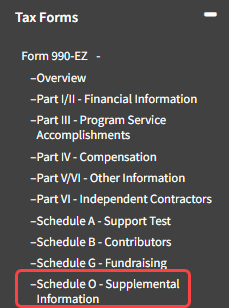
- Navigate to Tax Forms -> Form 990 or 990-EZ -> Schedule O.
- Click the "Add Item" button.
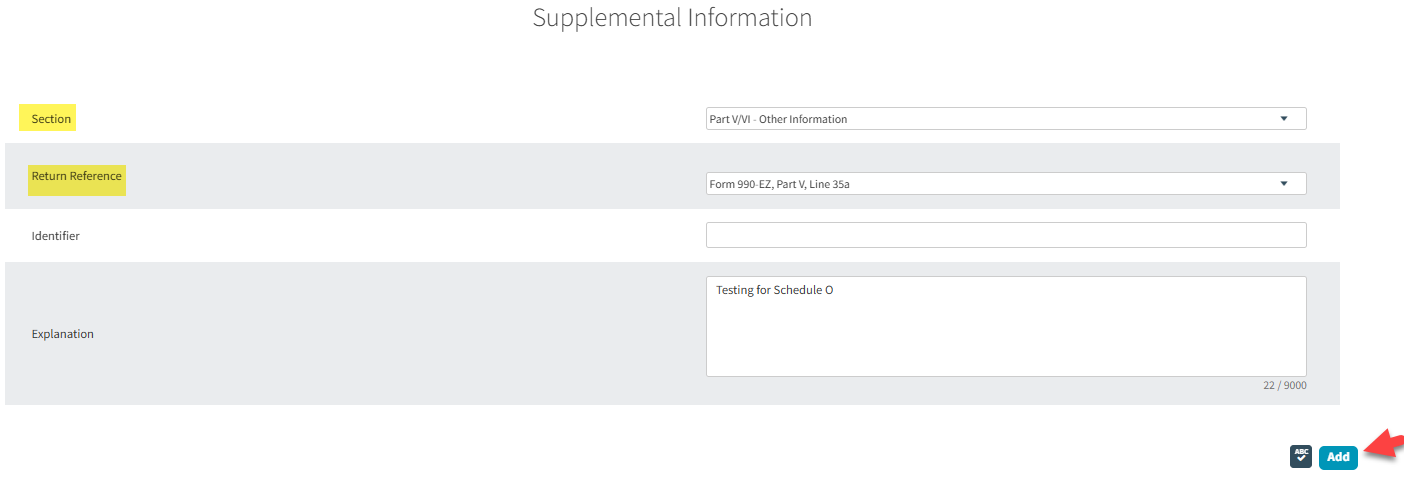
- Fill in the data in the popup window.
Tip: Section and Return Reference, must refer to the specific part of the form. - Click the "Add" button.
- Click the "Save" button in the Tools Bar.