
You can set the e-file validation tool your preferred time zone for each engagement, however it is recommended that the timezone match the address of the filing organization.
The default time zone for all entities in 990 Tracker is CST. This can be adjusted in the General Information section.
Time Zone Settings
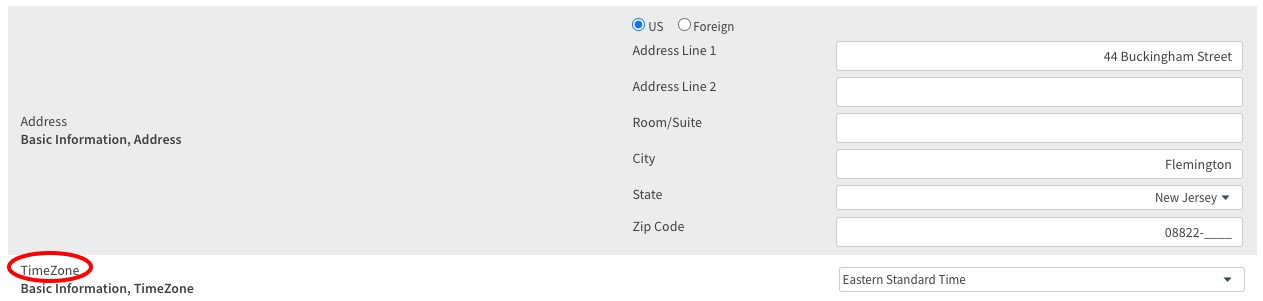
- Unlock the General Information section
- Choose the desired time zone
- Click the Save button in the Tools bar.
- Re-run the e-file validation tool
All 990 Tracker timezones are Standard Time, during daylight savings you will need to consider the +1 hour difference.
Circular 230 Disclosure
To ensure compliance with requirements imposed by the IRS, we inform you that any tax advice contained in this software (including any reports or downloads) is not intended or written to be used and cannot be used for the purposes of (i) avoiding penalties under the Internal Revenue Code or (ii) supporting, promoting, marketing or recommending to another party any transaction or matter addressed herein. This software is for informational purposes only and should not be regarded as tax advice. Please consult your tax advisor or attorney for guidance on your individual tax situation.